Software simulations
Guidde alternatives: 7 tools, and which ones let learners practise
Guidde turns a screen capture into a narrated how-to video and step guide. The tools people compare it with fall into two groups that produce different things. The useful line is what the learner does: perform the steps and get told when they are wrong, or read and watch. This page sorts seven alternatives by that line.
Updated
Facts checked on 29 October 2026 against each vendor's own pages.
If you want people to practise the task rather than watch it, the Guidde alternatives are Recourse, iorad and Adobe Captivate. If you want Guidde's kind of output in a different shape, Scribe and Tango make written step-by-step guides, Loom records quick screen videos and Camtasia edits polished training videos.
What Guidde does, and what it costs
Guidde calls itself "the #1 AI platform to capture knowledge and train teams". You capture with a browser extension (desktop and mobile on Business), and it generates a video with AI script, voiceover and captions, plus a step document, exportable as MP4, GIF, PPT or PDF. Business adds interactive demos, where viewers click hotspots through the product. Enterprise adds Generative Quizzes (AI-written questions with an optional passing score), SCORM 1.2 or 2004 export, translation and Broadcast for in-app delivery. Prices per creator: Free up to 25 how-to videos, Pro $29 a month or $19 billed yearly, Business $59 or $39 billed yearly, Enterprise on quote. See Recourse vs Guidde for the detail.
The seven alternatives at a glance
| Tool | Learner does | Capture | Modes | SCORM | List price |
|---|---|---|---|---|---|
| Guidde | Watch, read | Browser extension; desktop and mobile on Business | Video, step guide; click-through demo on Business | Enterprise only | Free; Pro $29 ($19 yearly); Business $59 ($39 yearly) per creator |
| Recourse | Practise, assessed | Chrome extension, or upload any recording | Demo, Practice, Evaluate | Static SCORM and xAPI from Pro; live SCORM on Team | Free 30 days; Solo, Pro and Team on request |
| iorad | Practise, watch, read | Chrome, Firefox or Edge extension; Mac or Windows app | Watch, Try, Scroll, Slide, Quiz, Do | Enterprise (Advanced Exports) | Free; Individual $200 a month; Team $500 a month plus $50 per extra seat |
| Adobe Captivate | Practise, assessed | Desktop authoring app records the screen | Demo, Training, Assessment | SCORM 1.2 and 2004, AICC, xAPI | US$39.99 a month |
| Scribe | Read | Chrome or Edge extension; desktop on Pro | Screenshot step guide | Not mentioned | Free; Pro Personal $35 a seat ($25 yearly); Pro Team $17 a seat ($13 yearly) from 5 seats |
| Tango | Read; guidance in the live app | Browser extension; desktop on Pro | Step-by-step workflow; Guide Me on Enterprise | Not mentioned | Free; Pro $30 a user ($22 yearly), $20 ($15 yearly) from 3 users |
| Loom | Watch | Desktop and mobile apps (Mac, Windows, iOS, Android) | Screen and camera video | Not mentioned | Free; Business $18 a user a month; Business + AI $24 |
| Camtasia | Watch, answer quiz questions | Desktop recorder and editor, Windows and macOS | Edited video with quizzes and hotspots | From Essentials | Starter $39 a year; Essentials $179.88; Create $249; Pro $599 |
Practise: simulation tools
1. Recourse
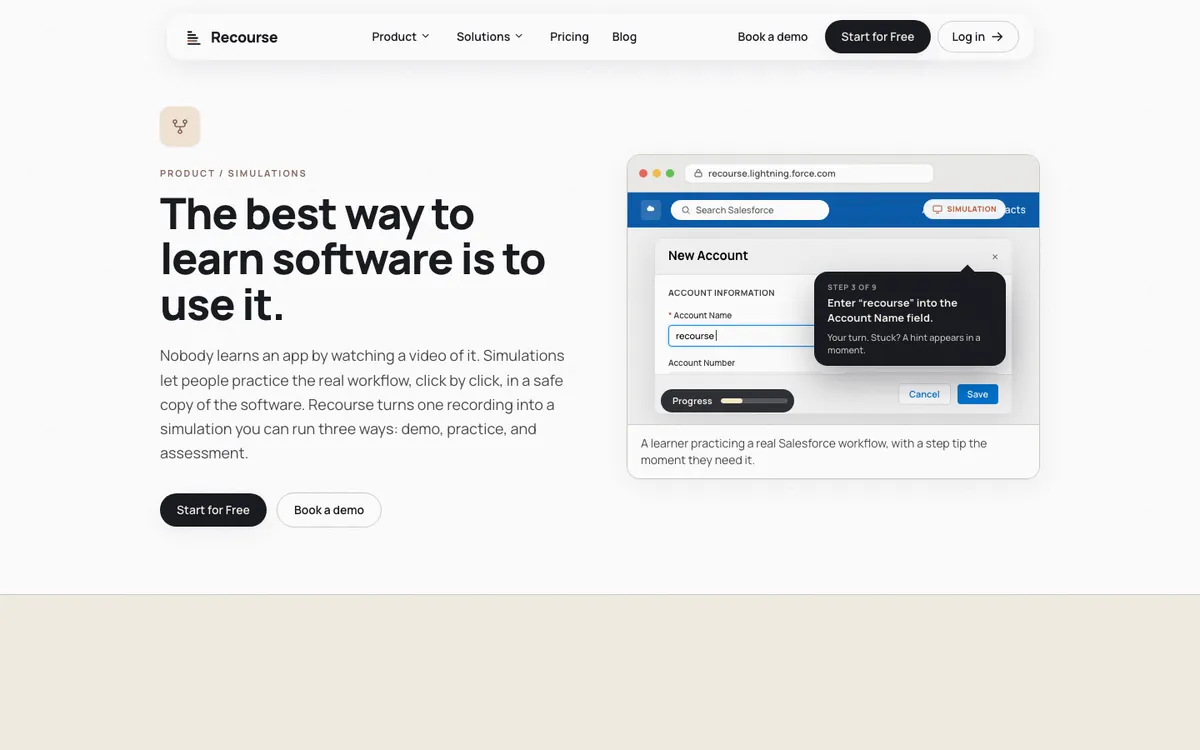
Click through the task in the real app with the Chrome extension, which captures the screens, the clicks and the structure, or upload any recording: a Loom, a Zoom share, a recorded UAT or handover session, an old MP4. Recourse generates a simulation with Demo (a narrated walkthrough), Practice (the learner does each step in a safe copy and, if stuck, gets a hint, then a nudge, then the answer) and Evaluate (a scored assessment with a pass mark that reports to the LMS). A reviewer edits every step before it ships, and the simulation sits inside a course with AI voice narration or your own. Static SCORM and xAPI from Pro; live SCORM, where an edit reaches every LMS copy with no re-upload on Team. Free for 30 days with full access and a watermark; Solo, Pro and Team on request. It has no in-app guidance, simulations follow one path with no branching yet, and desktop apps come in only through an uploaded video.
Suits a trainer who has the recording and needs scored practice in the LMS, not another video.
2. iorad
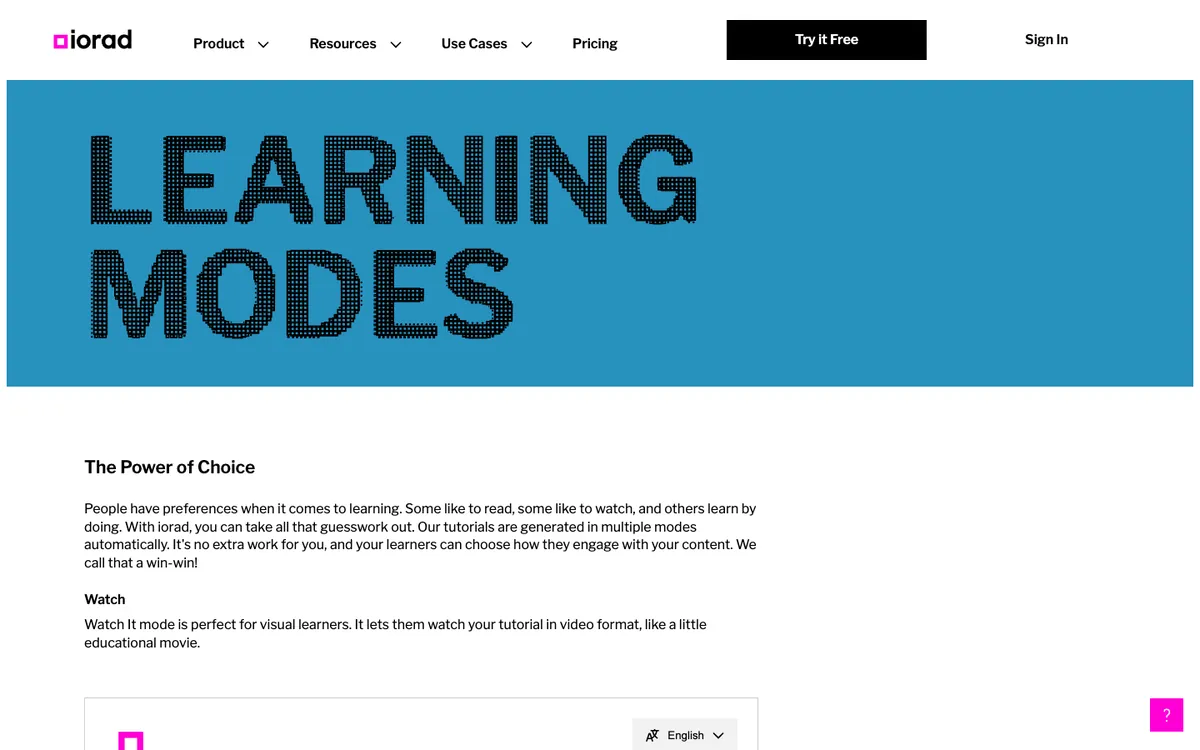
Capture with a Chrome, Firefox or Edge extension, or a Mac or Windows app for desktop programs, and iorad generates six modes. Watch is a video, Scroll and Slide are for reading, Try lets learners "complete the actual steps of a tutorial" in a safe environment, Quiz requires the "correct action on screen in order to progress", and Do guides the learner and can run in the live application. Free plan; Individual $200 a month for one creator; Team $500 a month with one seat included and $50 per extra seat; Enterprise on quote, which is where Advanced Exports (HTML, SCORM, SharePoint), Live Mode and translation into 100+ languages sit. See iorad alternatives.
Suits teams that want one capture to serve as documentation, practice and in-app guidance, and can pay per creator.
3. Adobe Captivate
A desktop authoring tool that records a procedure into Demo (watch), Training (the learner must click the right place to progress; a wrong click shows a failure caption and hint text appears near the target) and Assessment (no hints, each correct click is a point, with a results slide). Publishes SCORM 1.2 and 2004, AICC and xAPI. US$39.99 a month for an individual. It is a full authoring tool with a learning curve, and changes mean republishing the package. More on the Captivate alternatives page.
Suits instructional designers who already author in Captivate and want classic scored simulations at a list price.
Read or watch: documentation and video tools
4. Scribe
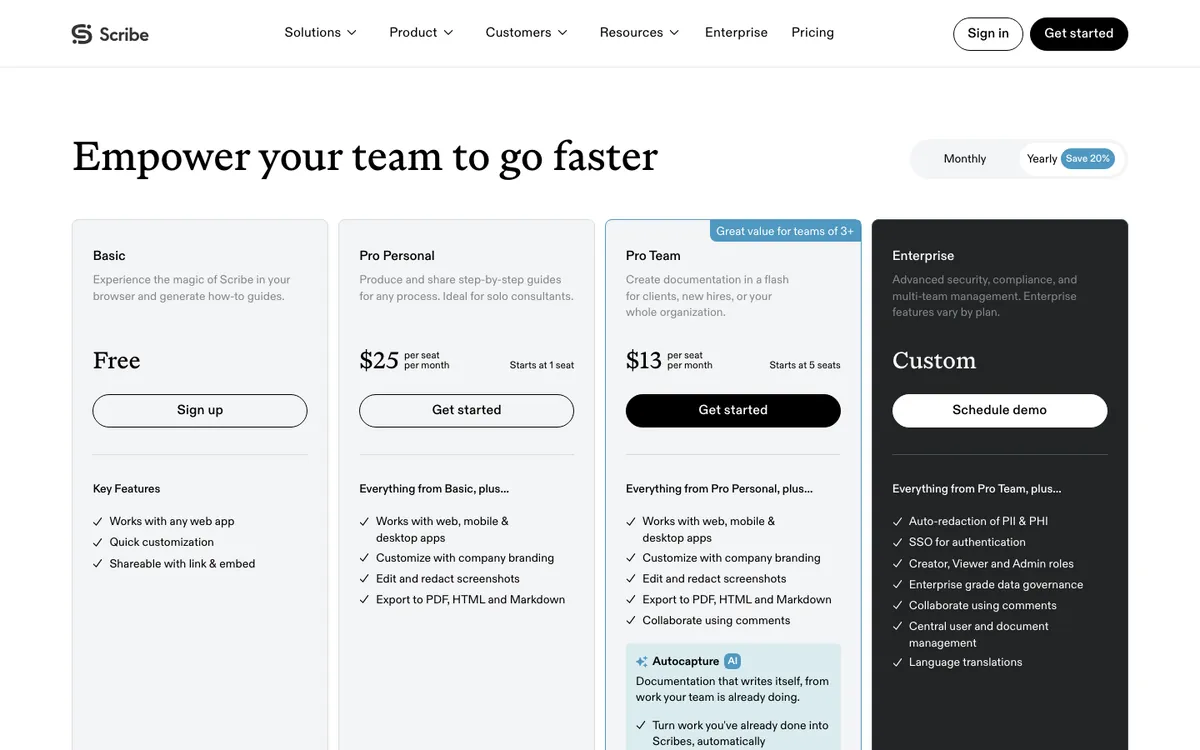
A Chrome or Edge extension (desktop capture on Pro) turns clicks into a screenshot guide. Pro exports PDF, HTML and Markdown and adds branding and screenshot redaction. Basic is free; Pro Personal is $35 a seat a month or $25 billed yearly; Pro Team is $17 a seat or $13 billed yearly, from five seats; Enterprise is custom. SCORM and LMS are not mentioned on its pricing page. See iorad vs Scribe.
Suits teams who want written SOPs and how-to guides fast and cheaply.
5. Tango
Browser capture on every plan, desktop capture on Pro, producing step-by-step workflows. Pro exports PDF, Markdown and HTML and can send on-screen guidance to anyone in the workspace; Enterprise lists Pins, Guide Me and Automations, which walk users through steps in the live app. Free; Pro is $30 a user a month or $22 billed yearly for one or two users, and $20 or $15 billed yearly from three. SCORM and LMS are not mentioned on its pricing page.
Suits teams who want guides plus on-screen help inside web apps, without an LMS.
6. Loom
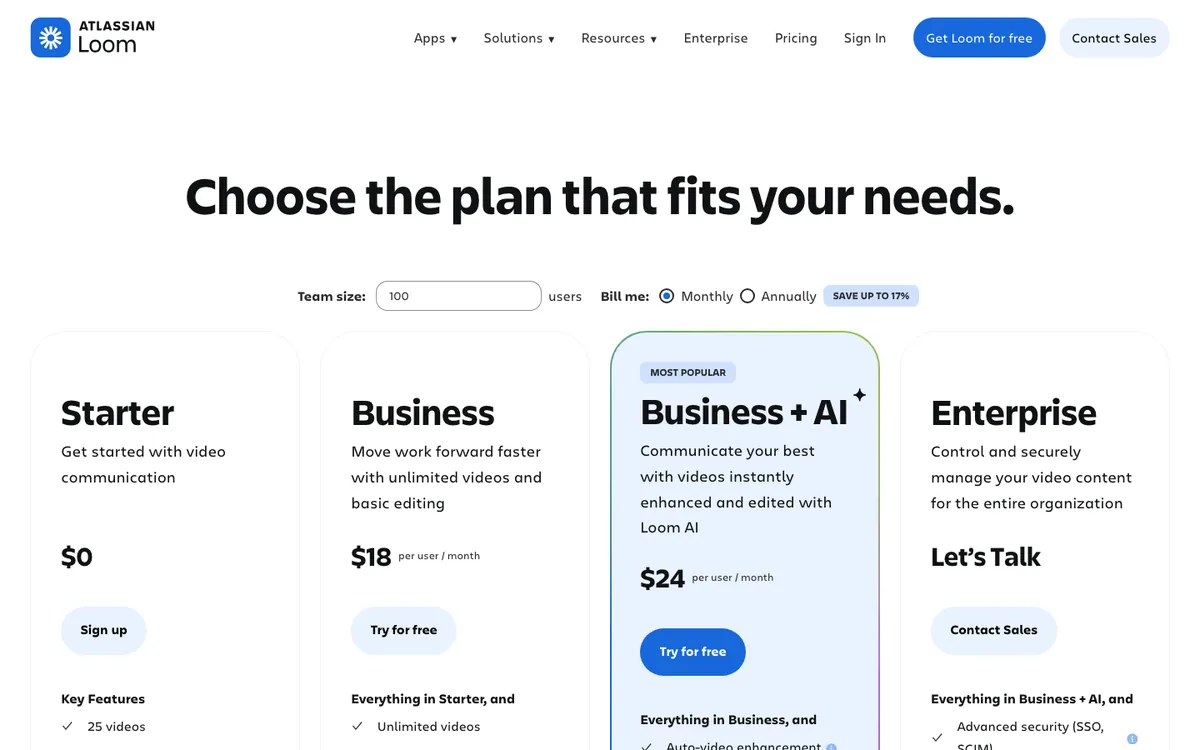
Screen and camera recording with apps for Mac, Windows, iOS and Android. Starter is free with 25 videos and 5-minute recordings; Business is $18 a user a month for unlimited videos; Business + AI is $24 and adds AI editing, summaries and chapters; annual billing saves up to 17%. Learners watch. No quizzes, SCORM or LMS are mentioned on its pricing page.
Suits quick walkthroughs and async explanations where polish matters less than speed.
7. Camtasia
TechSmith's desktop screen recorder and video editor for Windows and macOS. From the Essentials plan you can add interactive quizzes and export SCORM packages for an LMS; hotspots are also supported through TechSmith's Smart Player. Plans are annual per user: Starter $39, Essentials $179.88, Create $249, Pro $599 (US prices; TechSmith shows local currency by region). The learner still watches a video and answers questions; the quiz does not ask them to perform the task.
Suits video producers who want edited training videos with quiz questions in the LMS.
How to choose
- Watch or do? If the learner has to be able to do the task afterwards, pick from the practise group. Video and guide tools are faster to produce and cheaper, but nothing checks the learner's clicks.
- Does it need to be in the LMS? Captivate, Camtasia from Essentials and Recourse from Pro export SCORM. Guidde and iorad keep it for Enterprise. Scribe, Tango and Loom do not mention it.
- Do you have a recording already? Recourse builds from an existing Loom, Zoom share or MP4 as well as a fresh capture. iorad, Scribe and Tango are built around capturing with their own extension or app.
- Do you need help inside the live app? iorad's Do mode, Tango's Guide Me and Guidde's Broadcast do that. Recourse and Captivate do not.
Frequently asked questions
What is the best alternative to Guidde?
Is there a free alternative to Guidde?
Which Guidde alternatives export SCORM?
Which Guidde alternatives let learners practise instead of watch?
How much does Guidde cost?
How we checked
Every figure was read from the linked page on 29 October 2026. Camtasia's store shows prices in the visitor's local currency; the US dollar figures were read from the same page as served in the US. Corrections to hello@recoursehq.com.
- Guidde pricing, SCORM export, Generative Quizzes
- Recourse pricing and simulations
- iorad pricing, learning modes, features
- Adobe Captivate buying guide, Captivate FAQ, Training mode, Assessment mode
- Scribe pricing
- Tango pricing
- Loom pricing
- Camtasia pricing and Camtasia quizzes and surveys
Related
Last checked 29 October 2026. Prices and features are taken from public vendor pages and can change.