Software simulations
Storyline alternatives: 9 tools, and which ones still let learners practise
If you keep Articulate Storyline mainly for software simulations, you know what it does well: its recorder turns a task into View, Try and Test slides, and Test is graded and reports to the LMS. When people look for an alternative, the risk is ending up with a tool that only produces a guide or a video, so the learner reads about the task instead of doing it. This page sorts nine alternatives by what the learner does: practise the clicks, or read and watch.
Updated
Facts checked on 29 October 2026 against each vendor's own pages.
If learners must practise the task and be scored on it, the Storyline alternatives that still do that are Recourse, Adobe Captivate, iorad, Assima, dominKnow | ONE and Whatfix Mirror. Rise 360, Guidde and Scribe are quicker to build with, but the learner reads a guide or watches a video, so pick them only when knowing the steps is enough.
What Storyline does for software simulations
Storyline 360 records the screen with its own recorder and, on insert, automatically splits the recording into step-by-step slides in View mode (an animated walkthrough), Try mode (hotspots and optional hint captions, not graded) or Test mode (each step a graded question with a passing score, reportable to the LMS). The steps come from the clicks Storyline captured while recording, so a video made elsewhere cannot be converted. Authoring runs on Windows; on a Mac it needs Parallels or VMware Fusion. It publishes SCORM 1.2 and 2004, xAPI, cmi5 and AICC, and it is sold in Articulate 360 AI at $1,749 per seat per year. See Recourse vs Storyline for the full comparison.
The nine alternatives at a glance
| Tool | Learner does | Capture | Modes | List price | SCORM |
|---|---|---|---|---|---|
| Storyline 360 (for reference) | Practise, graded | Own recorder, Windows desktop app | View, Try, Test | $1,749 per seat per year (Articulate 360 AI) | SCORM 1.2 and 2004, xAPI, cmi5, AICC |
| Recourse | Practise, scored | Chrome extension or any uploaded recording | Demo, Practice, Evaluate | Free 30 days; Solo, Pro and Team on request | SCORM and xAPI from Pro; live SCORM on Team |
| Adobe Captivate | Practise, scored | Desktop recorder, Windows and macOS | Demo, Training, Assessment | US$39.99 a month (individual) | SCORM 1.2 and 2004, AICC, xAPI |
| iorad | Practise in Quiz mode, scored | Browser extension; Mac and Windows apps | Try, Scroll, Slide, Watch, Quiz, Do | Free; $200 a month Individual; $500 Team | SCORM 1.2, Enterprise only |
| Assima | Practise on a cloned interface | Click through the real app; UI objects captured | Interactive practice and evaluation | Quote only | SCORM 1.2 and 2004, LTI 1.3 |
| dominKnow | ONE | Practise, scored | Capture, a screenshot per step | Show me, guided steps, Try me, practice, test | Quote only, per author | SCORM and xAPI; Convey hosted delivery |
| Whatfix Mirror | Practise on a replica, scored | Replica of a web app | Sandbox, guided practice, assessment, AI role-play | Flat fee plus user licences, demo | SCORM 1.2 and 2004, enabled by support |
| Rise 360 | Read, watch | None; block editor | None for software | In Articulate 360 AI, $1,749 per seat per year | Yes; Connected Packages (SCORM) |
| Guidde | Watch, read | Extension; desktop and mobile on Business | Video and step guide | Free; Pro $19 per creator a month yearly | Enterprise only |
| Scribe | Read | Browser extension; desktop app on Pro | Step-by-step guide | Free; Pro from $13 per seat a month yearly | Not mentioned |
Prices as listed on each vendor's pricing page on 29 October 2026, in USD, before tax. "Quote only" means the vendor publishes no price.
Practise: tools where the learner does the task
1. Recourse
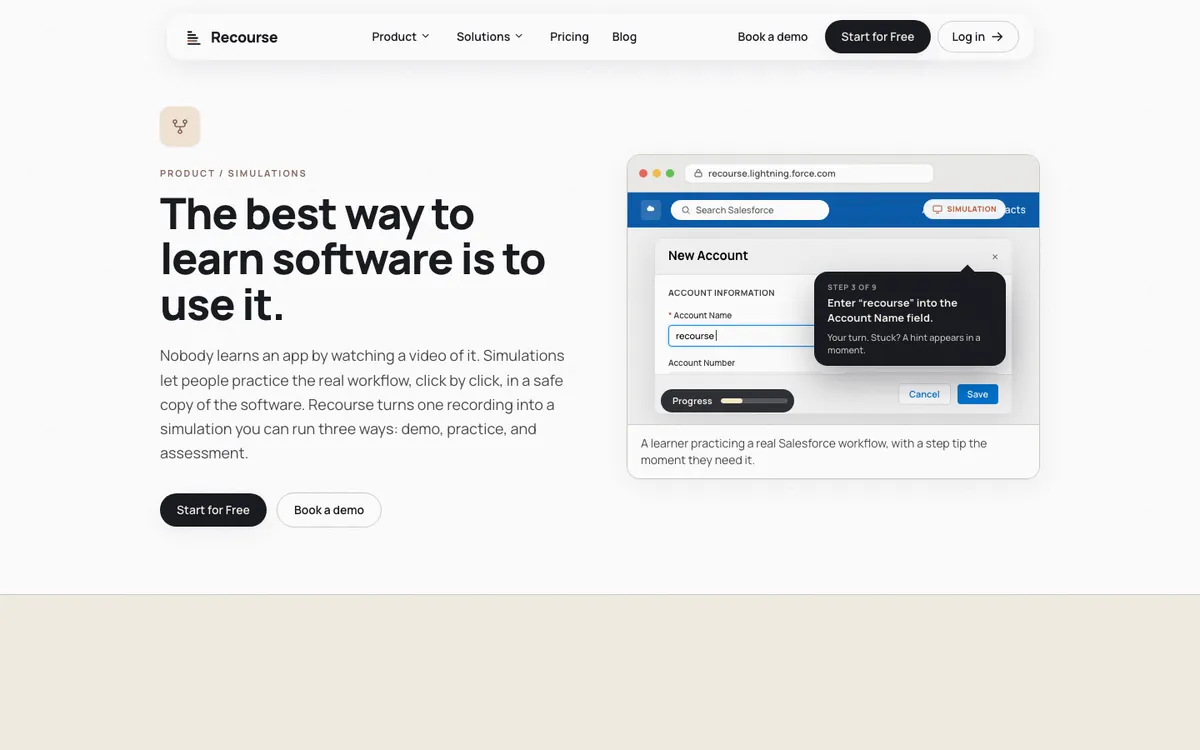
Recourse builds a simulation from a click-through of the real web app in its Chrome extension, which captures the screens, clicks and structure, or from any recording you already have, such as a Loom, a Zoom share, a recorded UAT session or an old MP4; desktop apps come in through video. Each simulation has three modes: Demo (a narrated walkthrough), Practice (the learner does each step in a safe copy; when stuck, a hint, then a nudge, then the answer) and Evaluate (scored with a pass mark, reported to the LMS). A reviewer edits every step, and when a screen changes you re-capture that step and regenerate. Pro adds simulations with static SCORM and xAPI; Team adds live SCORM, where the LMS package points at the hosted course so edits reach every LMS copy. It is free for 30 days with full access; Solo, Pro and Team are priced on request. It has no branching yet, no cmi5 or AICC, and no in-app guidance. Suits teams whose software keeps changing and who already have recordings of the task.
2. Adobe Captivate
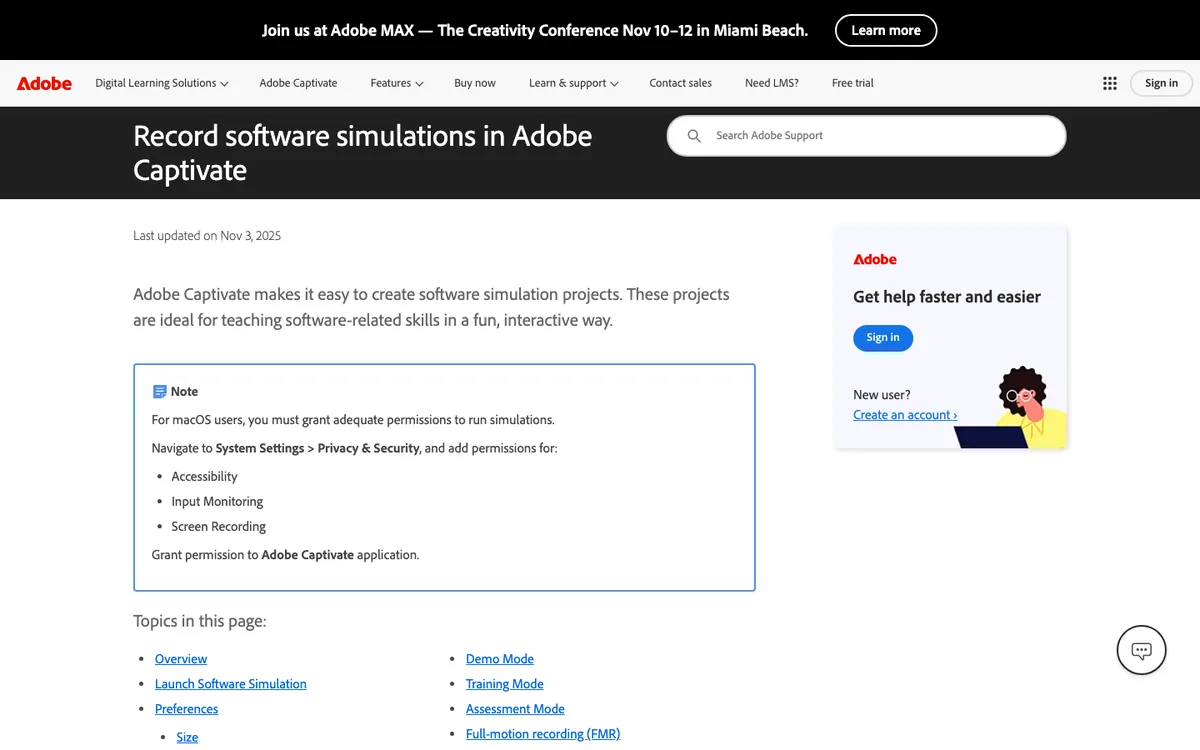
The closest like-for-like replacement. Captivate records a procedure on Windows or macOS and produces Demo (watch), Training (the learner performs each step, with hint captions and a failure caption on a wrong click) and Assessment (no hints, each correct click scored) from the same recording. It publishes SCORM 1.2, SCORM 2004, AICC and xAPI, and Adobe lists an individual subscription at US$39.99 a month, with team and enterprise licences through sales. Publishing produces a zip you upload to the LMS, so an update means republishing and re-uploading, as with Storyline. Suits authors who want Storyline-style simulations on a Mac or at a monthly price.
3. iorad
iorad captures with a Chrome, Firefox or Edge extension, or Mac and Windows apps, and generates several modes from one capture: Try, Scroll, Slide, Watch, Quiz and Do. Quiz is the one where the learner must complete the right action to progress, with scoring; Do overlays the steps on the live application. Pricing is per creator: a Free plan, Individual at $200 a month, Team at $500 a month with one seat and $50 per extra seat, and Enterprise on quote. SCORM 1.2 export is part of Advanced Exports on Enterprise. Suits teams that want tutorials people use inside the live app, with a scored mode as a bonus. See iorad alternatives.
4. Assima
Assima captures a process by clicking through the real application and records its interface objects rather than screenshots, using what it calls patented cloning, so the result is an editable, interactive copy; Assima credits the cloning for its editing, translation and anonymisation features. Content is SCORM 1.2 and 2004 compliant and Assima supports LTI 1.3. There is no published price and no self-serve trial; sales is by demo. Suits large SAP, Oracle or Workday estates where simulation fidelity matters more than price. See Assima alternatives.
5. dominKnow | ONE
A cloud authoring platform with a built-in Capture tool: you carry out the task and it records a screenshot for each step, with hotspots and instruction text. One captured lesson can play as a recorded demonstration, guided steps, a hands-on Try me, an unscored practice or a scored test. It publishes HTML5, SCORM and xAPI, MP4 and printable job aids, and Convey delivers hosted content to the LMS so republishing updates it. Licences are priced per author with free learners, quote only, and there is a free trial. Suits teams that want regular courses and software simulations in one browser-based platform.
6. Whatfix Mirror
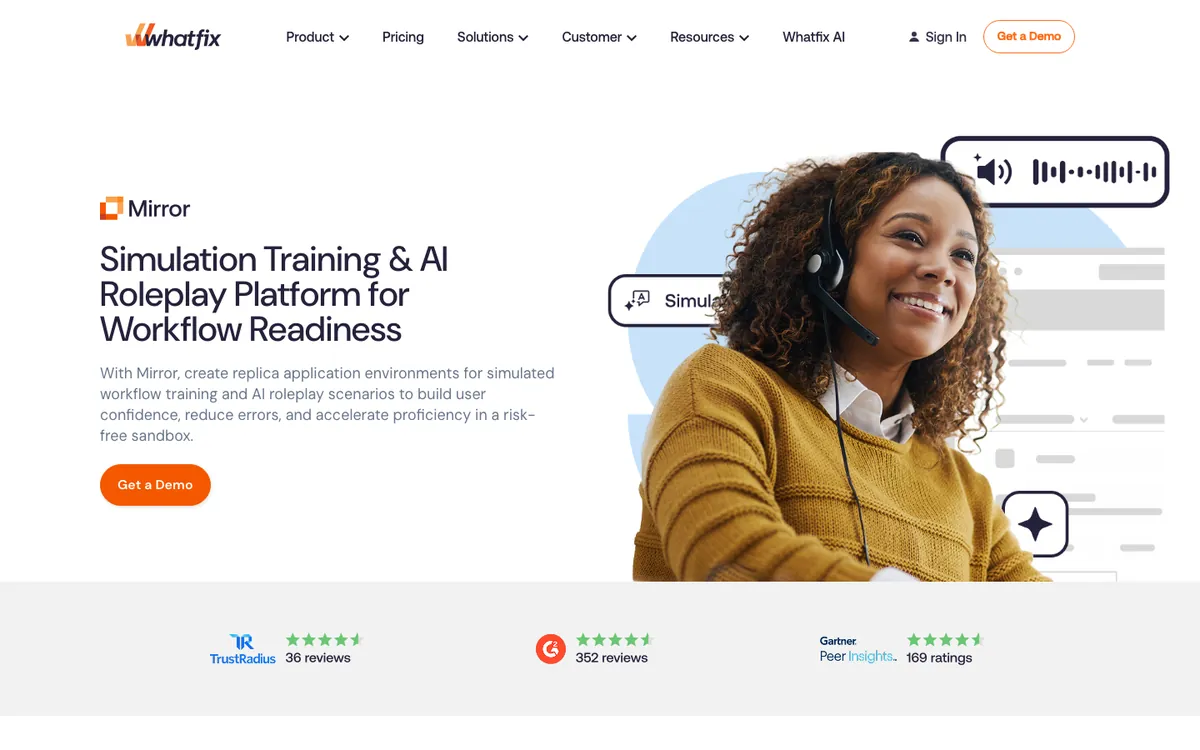
Mirror creates interactive replicas of web applications for sandbox practice, guided practice, scored assessments and AI role-play of voice and chat scenarios. Mirror workflows, assessments and role-plays export as SCORM 1.2 or 2004 once Whatfix support enables it. Whatfix prices each product as a flat fee plus user licences and sells by demo. Suits enterprises that already use the Whatfix digital adoption platform, or that need conversation role-play alongside the software practice.
Read or watch: tools where the learner does not practise
7. Rise 360
Articulate's browser-based block editor, included in the same Articulate 360 AI subscription as Storyline at $1,749 per seat per year. It builds responsive courses fast, and since 2026 its Connected Packages option publishes a SCORM package that pulls hosted content, so edits reach learners without a re-upload. It has no screen recorder or simulation mode of its own; software practice in a Rise course comes from an embedded Storyline block. Suits Articulate teams building responsive courses where the software part is explanation, not practice.
8. Guidde
Guidde turns a capture into an AI-narrated video with a step document. Free carries a Guidde watermark; Pro is $19 per creator a month billed yearly ($29 monthly) and captures web apps; Business is $39 yearly ($59 monthly) and adds desktop and mobile capture; Enterprise, on quote, adds SCORM export. The learner watches; nothing checks their clicks. Suits support and enablement teams that need short how-to videos fast.
9. Scribe
Scribe's browser extension turns clicks into a screenshot guide, with a desktop app on paid plans and exports to PDF, HTML and Markdown. Basic is free; Pro Personal is $25 per seat a month billed yearly ($35 monthly); Pro Team is $13 per seat a month billed yearly ($17 monthly) from five seats; Enterprise is custom. Its pricing page does not mention SCORM or an LMS. Suits teams documenting processes for a knowledge base, not training that needs a score.
How to choose
- Does the learner need to do the task, or know it? If a score or a pass mark has to land in the LMS, only the practise group fits. Rise, Guidde and Scribe produce something to read or watch.
- What do you record from? Storyline and every other tool in the practise group capture with their own recorder, extension or capture step at the time you author. Recourse also takes a recording you already have, such as a Loom or an MP4.
- How often does the software change? If often, look at what a change costs: a new recording and package (Storyline, Captivate), an edit and republish to hosted delivery (dominKnow Convey, Assima, Recourse live SCORM), or a re-capture of one step (Recourse).
- Where do authors work? Storyline needs Windows. Captivate runs on Windows and macOS. Recourse, dominKnow, Rise, Guidde and Scribe run in the browser.
Frequently asked questions
What is the best alternative to Articulate Storyline for software simulations?
Is there a free alternative to Storyline?
Which Storyline alternatives run on a Mac?
Can Rise 360 make software simulations?
Which Storyline alternatives export SCORM?
How we checked
Every figure was read from the linked vendor page on 29 October 2026. Where a vendor publishes no price, we say so rather than quote a reseller. Spotted something out of date? Email hello@recoursehq.com.
- Storyline View, Try and Test mode, video not recorded in Storyline (staff answer), system requirements, LMS publishing
- Articulate 360 pricing and Rise 360 Connected Packages
- Captivate software simulations, Captivate SCORM packages, Captivate buying guide
- iorad pricing and learning modes
- Assima FAQ and systems training platform
- dominKnow software training and pricing
- Whatfix Mirror, Mirror SCORM export, Whatfix pricing
- Guidde pricing and Scribe pricing
- Recourse pricing and Recourse simulations
Related
Last checked 29 October 2026. Prices and features are taken from public vendor pages and can change.